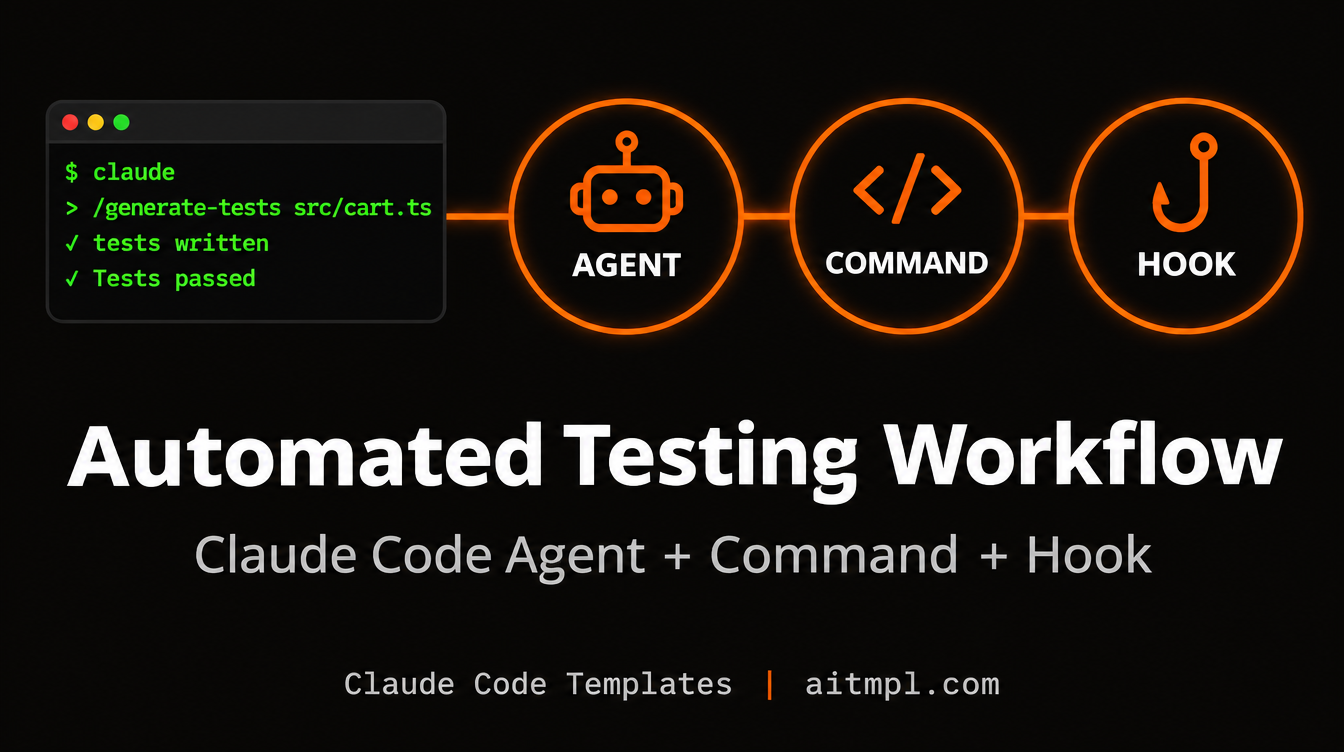
What is the Automated Testing Workflow?
This Claude Code workflow combines three components from the library so that tests get planned, written and re-run without you asking each time: the Test Engineer agent decides what is worth testing, the Generate Tests command writes the test file for a given source file, and the Run Tests After Changes hook runs your quick test script after every edit.
graph LR
    A[🤖 Test Engineer agent] --> B[⚙️ Generate Tests command]
    B --> C[📝 Edits to your code]
    C --> D[🪝 Run Tests hook]
    D --> E[✅ Test status]

    style B fill:#F97316,stroke:#fff,color:#000
The Three Components
- Test Engineer (agent,
development-tools/test-engineer): a subagent for test strategy, automation and coverage analysis. It works with the Read, Write, Edit and Bash tools and follows a test pyramid of roughly 70% unit, 20% integration and 10% end-to-end tests. - Generate Tests (command,
testing/generate-tests): the/generate-testsslash command. It detects your test framework, looks at the tests you already have, and writes a test file for the file or component you name. - Run Tests After Changes (hook,
post-tool/run-tests-after-changes): aPostToolUsehook that runsnpm run test:quickafter each Edit and prints whether it passed.
Installation
Install all three with one command from your project root:
npx claude-code-templates@latest --agent development-tools/test-engineer --command testing/generate-tests --hook post-tool/run-tests-after-changesThe CLI asks where to write the hook. Choose project settings to share it with your team, or local settings to keep it to yourself.
Where are the components installed?
your-project/
├── .claude/
│   ├── agents/
│   │   └── test-engineer.md      # ← Agent
│   ├── commands/
│   │   └── generate-tests.md     # ← Slash command
│   └── settings.json             # ← Hook (or settings.local.json)
├── src/
└── package.json
How They Connect
The agent plans. A subagent runs in its own context window and returns a summary, so a long read through your codebase does not fill the main conversation. Claude can delegate to it on its own when a task matches the agent's description, or you can ask for it by name.
The command writes. Before Claude sees the prompt, /generate-tests runs a few shell lines that collect your framework (Jest, Vitest, Mocha or Jasmine), a sample of existing test files and your coverage script. The path you type after the command arrives as $ARGUMENTS. Claude then works through six steps: analyze the exports, choose unit or integration scope, design mocks, write unit tests, write integration tests, and check naming and coverage.
The hook checks. After each Edit tool call, Claude Code runs the hook's shell command. Project hooks also fire for edits made by a subagent, so the Test Engineer's own changes are checked too.
Step-by-Step Workflow
Step 1: Add a test:quick script
The hook calls npm run test:quick, so that script has to exist. Keep it fast, since it runs after every edit. Two common options:
{
  "scripts": {
    "test": "vitest run",
    "test:quick": "vitest run --changed"
  }
}
{
"scripts": {
"test": "jest",
"test:quick": "jest --onlyChanged"
}
}Without this script the hook prints "Tests may need attention" after every edit, because the npm run call fails.
Step 2: Ask the agent for a test plan
claude

> Use the test-engineer subagent to review src/cart/ and list the functions that have no tests, ordered by risk
You get back a short list of gaps instead of the whole exploration.
Step 3: Generate the tests
Take the first file from the plan and pass it to the command:
> /generate-tests src/cart/totals.tsClaude writes a test file that follows the patterns of your existing tests: Arrange, Act, Assert, with mocks for external I/O and cases for the happy path, edge cases and errors.
Step 4: Keep working while the hook watches
From here on, each time Claude edits a file the hook runs the quick tests and prints one of two lines:
✅ Tests passed
⚠️ Tests may need attention
The message is for you. A PostToolUse hook that exits with code 0 does not pass its output to Claude, so Claude does not react to the warning on its own. When you see it, ask Claude to run the tests and fix what broke.
Step 5: Let Claude see the failures (optional)
If you want Claude to act on a failure without being asked, replace the installed hook entry with a version that exits with code 2 and writes to stderr. Claude Code shows that stderr text to Claude:
{
  "hooks": {
    "PostToolUse": [
      {
        "matcher": "Edit|Write",
        "hooks": [
          {
            "type": "command",
            "command": "if [ -f package.json ]; then npm run test:quick --silent >/dev/null 2>&1 || { echo 'test:quick failed after this edit. Run it and fix the failures.' >&2; exit 2; }; fi"
          }
        ]
      }
    ]
  }
}
The Edit|Write matcher also covers new files, which the original Edit matcher does not. Keep only one of the two entries, otherwise the tests run twice per edit.
A Practical Use Case
You inherit a checkout module with no tests and need to change how discounts are calculated.
- Ask the Test Engineer agent which functions in
src/checkout/are untested and which ones the discount change touches. - Run
/generate-tests src/checkout/discounts.tsto pin down the current behavior before changing anything. - Ask Claude to make the discount change. After each edit the hook reruns the quick tests, so you see right away if the new logic breaks a case the old code handled.
- When the change is done, run the full suite once with
npm test.
Tips
- The hook only does something in projects with a
package.json. For Python or Ruby projects, look at thetesting/test-runnerhook, which pickspytestorrspecby file extension. - The quick script runs on every edit. If it takes more than a few seconds, narrow it to changed files or to unit tests only.
- Read generated tests before you commit them. A test that asserts the current output of buggy code will keep the bug in place.
Official Documentation
For more information, see the official Claude Code documentation for subagents, slash commands and hooks.
Created by Daniel Ávila